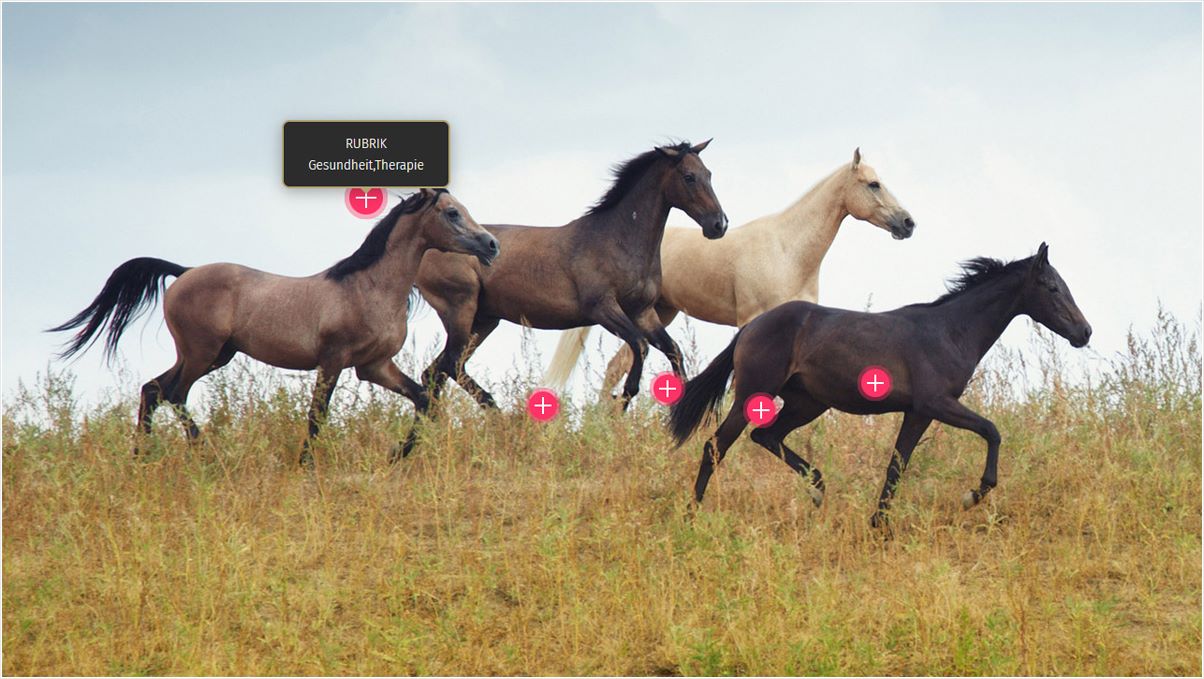
Hotspot mit 8 Einblendungen

Hotspot

Lorem ipsum dolor sit amet, consectetur adipisicing elit. Adipisci cumque sunt suscipit magni ab amet, nulla a alias architecto et, commodi nemo ad optio iste fuga consequuntur temporibus repudiandae.
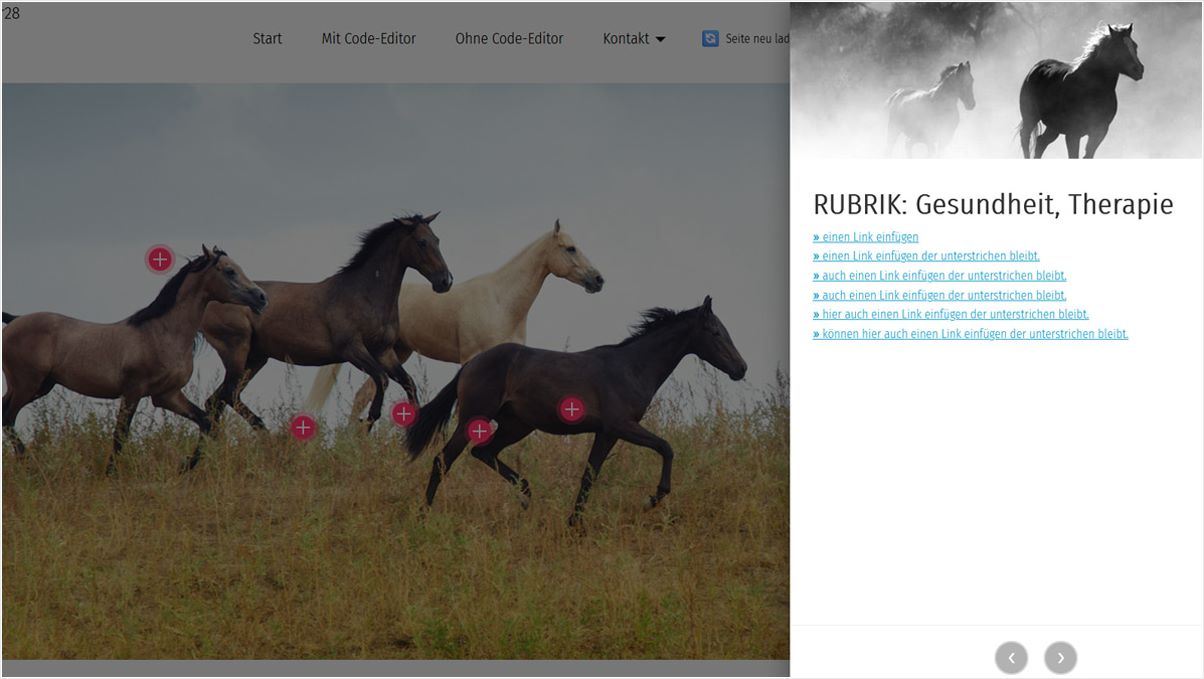
Lorem ipsum dolor sit amet, consectetur adipisicing elit. Adipisci cumque sunt suscipit magni ab amet, nulla a alias architecto et, commodi nemo ad optio iste fuga consequuntur temporibus repudiandae.Lorem ipsum dolor sit amet, consectetur adipisicing elit. Adipisci cumque sunt suscipit magni ab amet, nulla a alias architecto et, commodi nemo ad optio iste fuga consequuntur temporibus repudiandae.Lorem ipsum dolor sit amet, consectetur adipisicing elit. Adipisci cumque sunt suscipit magni ab amet, nulla a alias architecto et, commodi nemo ad optio iste fuga consequuntur temporibus repudiandae.Lorem ipsum dolor sit amet, consectetur adipisicing elit. Adipisci cumque sunt suscipit magni ab amet, nulla a alias architecto et, commodi nemo ad optio iste fuga consequuntur temporibus repudiandae.Lorem ipsum dolor sit amet, consectetur adipisicing elit. Adipisci cumque sunt suscipit magni ab amet, nulla a alias architecto et, commodi nemo ad optio iste fuga consequuntur temporibus repudiandae.

Hotspot

Lorem ipsum dolor sit amet, consectetur adipisicing elit. Adipisci cumque sunt suscipit magni ab amet, nulla a alias architecto et, commodi nemo ad optio iste fuga consequuntur temporibus repudiandae.


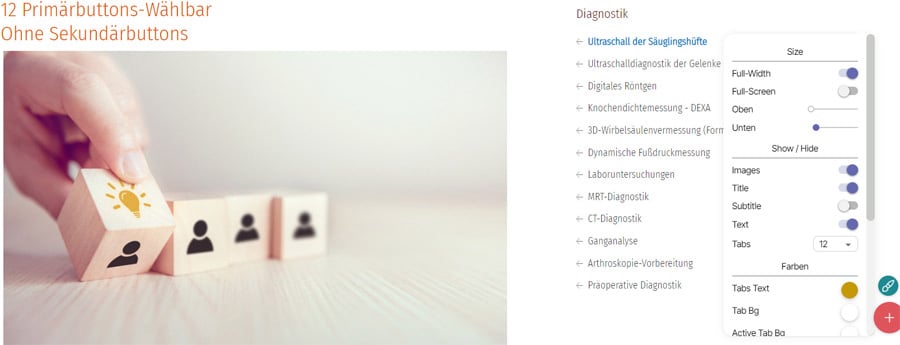
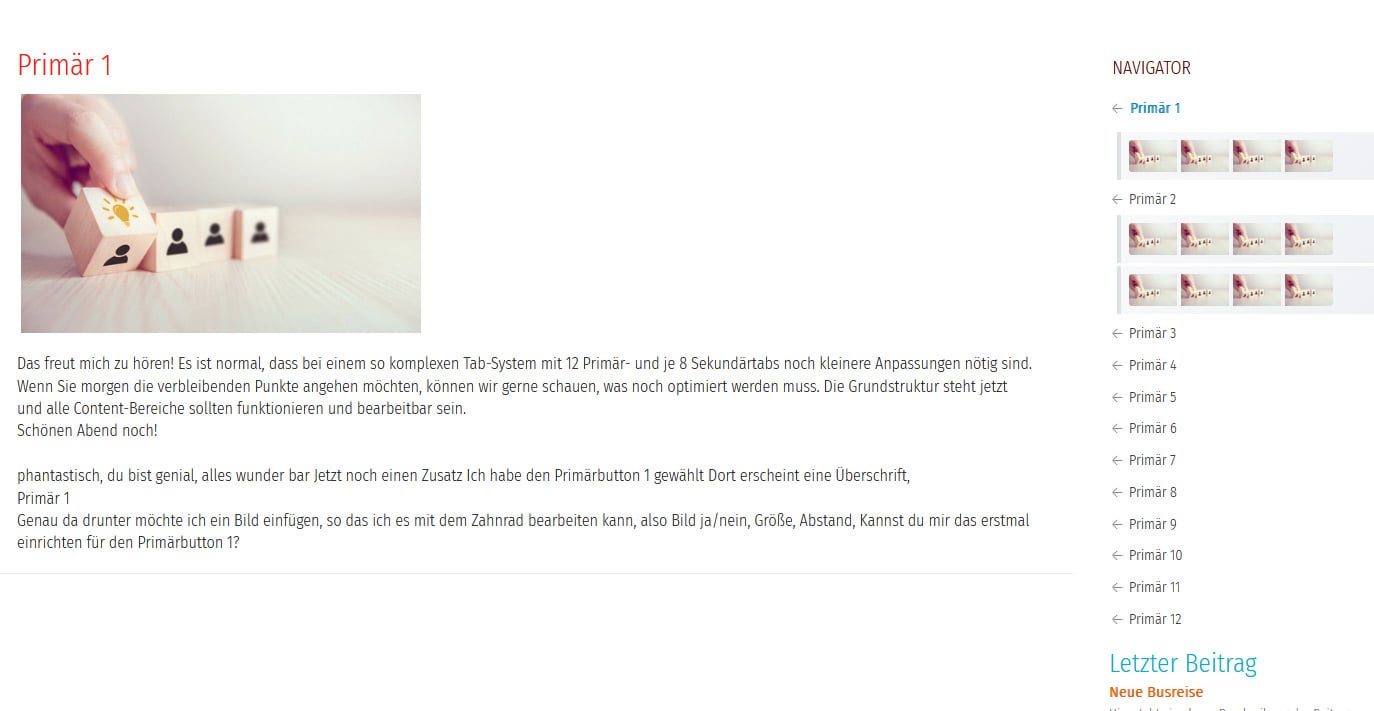
Primärnavigation ohne Sekundärbuttons

✔ Headerbereich

Erstellt mit Unterstützung von Claude.ai

  • — Block von Mobirise: holidaym5 
  • Darstellung: Desktop, Tablet, Smartphone
  • — Kein CMS, keine Datenbank
  • — Die Termine müssen im HTML Code eingefügt werden
  • — Funktionsfähig, einsetzbar: M4 + M5
  • — Erstellt mit der Version 6.1.4

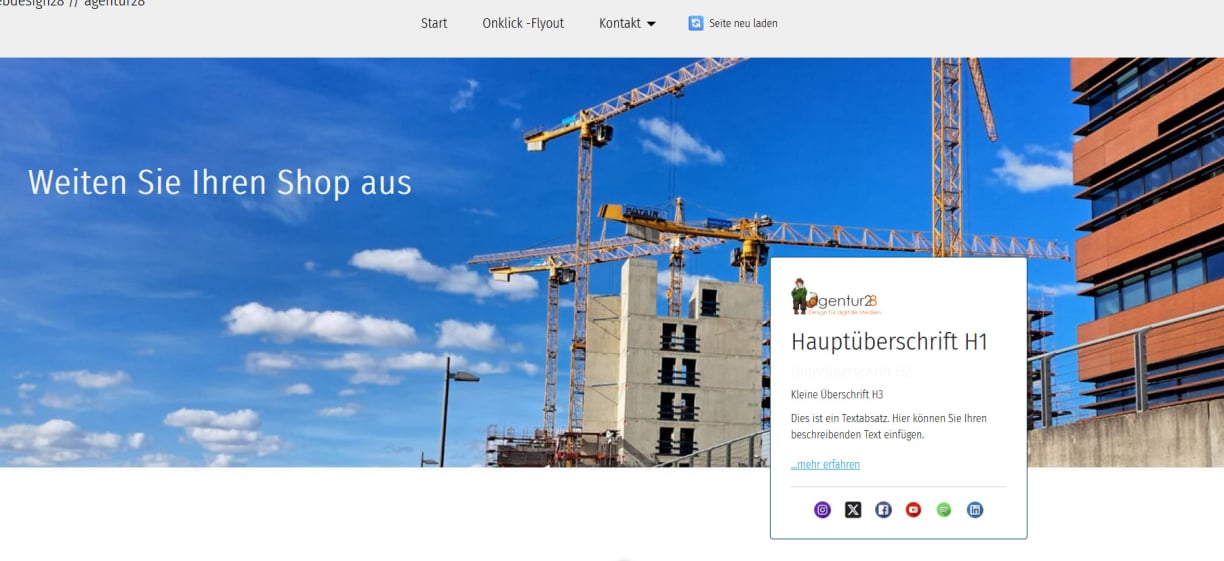
Flyout1
Automatische Einblendung

Erstellt mit Unterstützung von Claude.ai

  • — Block von Mobirise: holidaym5 
  • Darstellung: Desktop, Tablet, Smartphone
  • — Kein CMS, keine Datenbank
  • — Die Termine müssen im HTML Code eingefügt werden
  • — Funktionsfähig, einsetzbar: M4 + M5
  • — Erstellt mit der Version 6.1.4

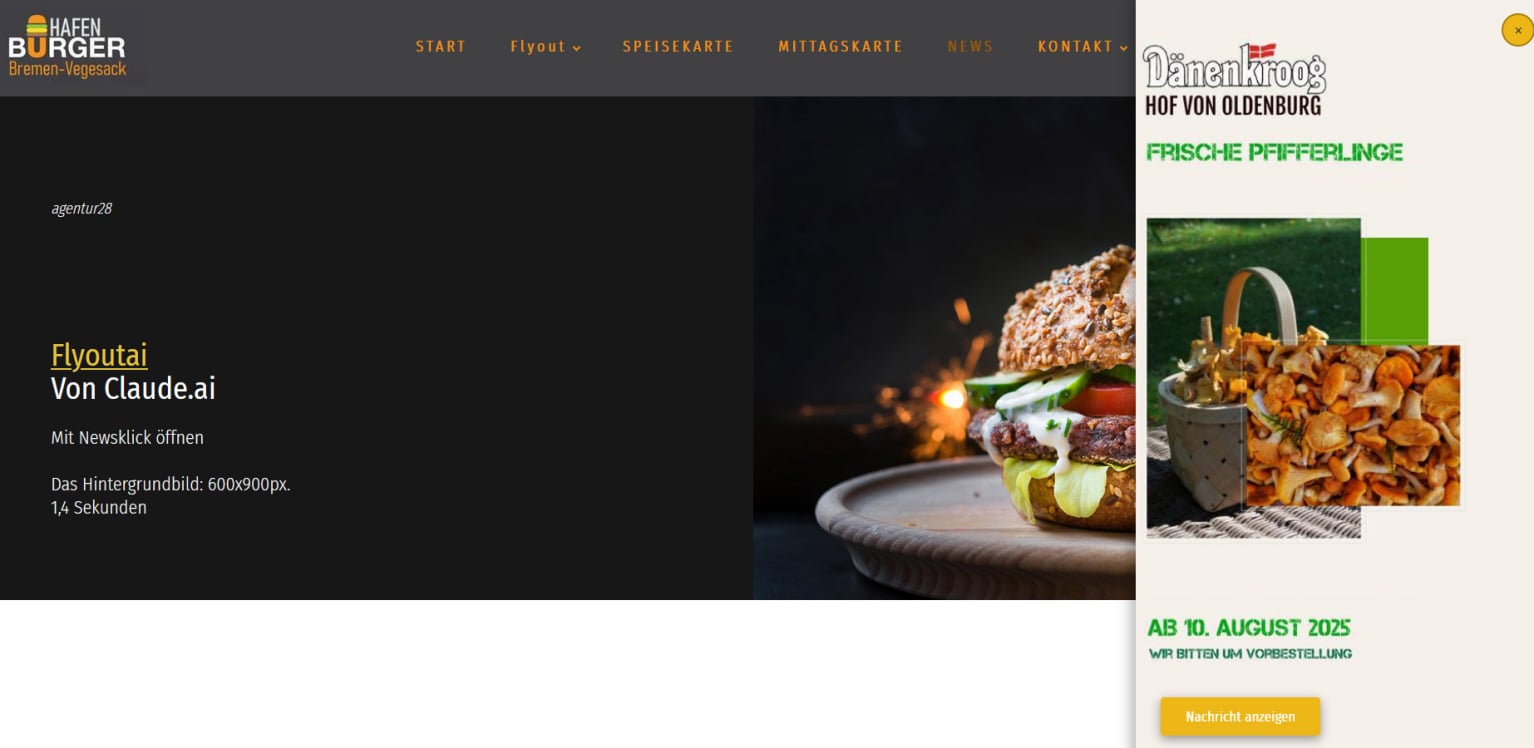
Flyout2
Öffnen mit Klick in der Navigation

Erstellt mit Unterstützung von Claude.ai

  • — Block von Mobirise: holidaym5 
  • Darstellung: Desktop, Tablet, Smartphone
  • — Kein CMS, keine Datenbank
  • — Die Termine müssen im HTML Code eingefügt werden
  • — Funktionsfähig, einsetzbar: M4 + M5
  • — Erstellt mit der Version 6.1.4

Flyout3
Automatische Einblendung

Erstellt mit Unterstützung von Claude.ai

  • — Block von Mobirise: holidaym5 
  • Darstellung: Desktop, Tablet, Smartphone
  • — Kein CMS, keine Datenbank
  • — Die Termine müssen im HTML Code eingefügt werden
  • — Funktionsfähig, einsetzbar: M4 + M5
  • — Erstellt mit der Version 6.1.4

TABS Primär

Erstellt mit Unterstützung von Claude.ai

  • — Block von Mobirise: carM4, mit KI verändert
  • Darstellung: Nur Desktop
  • — Funktionsfähig, einsetzbar: M4 + M5
  • — Erstellt mit der Version 6.1.4

TABS Primär mit Sekundär

Erstellt mit Unterstützung von Claude.ai

  • — Block von Mobirise: carM4, mit KI verändert
  • Darstellung: Nur Desktop
  • — Funktionsfähig, einsetzbar: M4 + M5
  • — Erstellt mit der Version 6.1.4

3 unterschiedliche Dropfunktionen (Accordions)

Erstellt mit Unterstützung von Claude.ai

  • — Drop1 = Block von Mobirise: supportM5, mit KI verändert
  • Darstellung: Desktop, Tablet, Smartphone
  • — Drop2 = Block von Mobirise: smartM5, mit KI verändert
  • — Drop3= Block von Mobirise: supportM5, mit KI verändert
  • — Drop 1 = 25 Items, Drop 2+3 = 50 Items
  • — Erstellt mit der Version 6.1.4

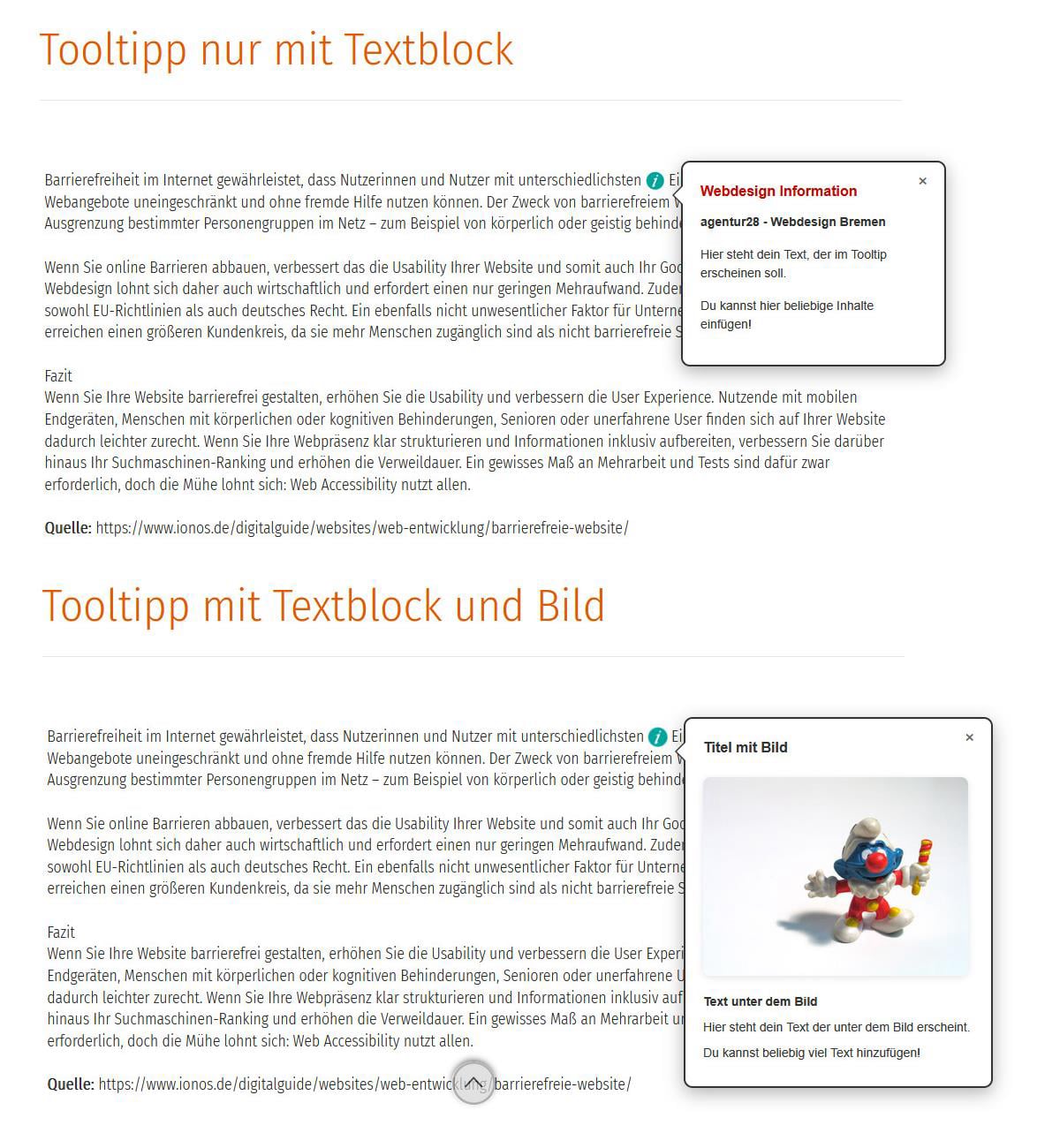
Tooltip

Erstellt mit Unterstützung von Claude.ai

  • — Drop1 = Block von Mobirise: supportM5, mit KI verändert
  • Darstellung: Desktop, Tablet, Smartphone
  • — Drop2 = Block von Mobirise: smartM5, mit KI verändert
  • — Drop3= Block von Mobirise: supportM5, mit KI verändert
  • — Drop 1 = 25 Items, Drop 2+3 = 50 Items
  • — Erstellt mit der Version 6.1.4

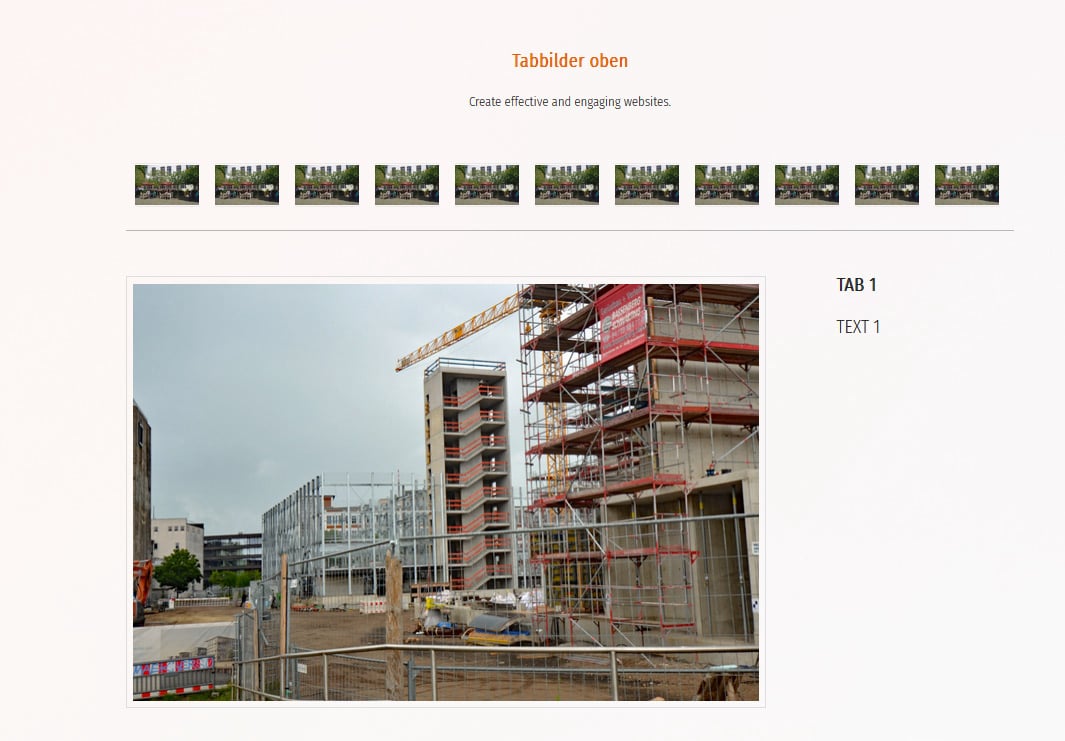
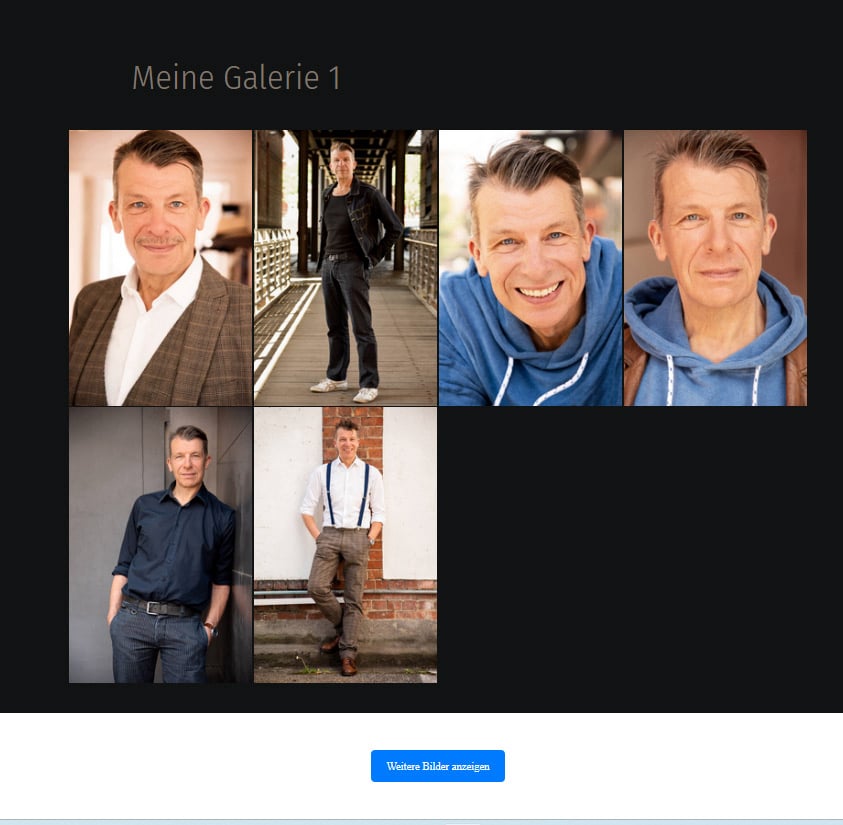
Fotogalerie 1
Kleine Bilder oben

Erstellt mit Unterstützung von Claude.ai

  • — Drop1 = Block von Mobirise: supportM5, mit KI verändert
  • Darstellung: Desktop, Tablet, Smartphone
  • — Drop2 = Block von Mobirise: smartM5, mit KI verändert
  • — Drop3= Block von Mobirise: supportM5, mit KI verändert
  • — Drop 1 = 25 Items, Drop 2+3 = 50 Items
  • — Erstellt mit der Version 6.1.4

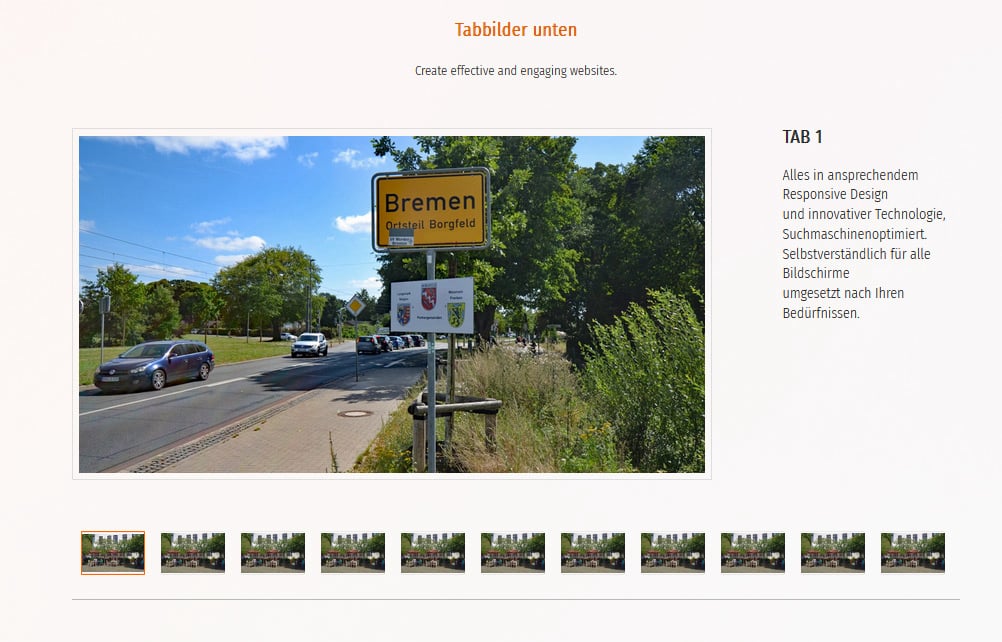
Fotogalerie 2
Kleine Bilder unten

Erstellt mit Unterstützung von Claude.ai

  • — Drop1 = Block von Mobirise: supportM5, mit KI verändert
  • Darstellung: Desktop, Tablet, Smartphone
  • — Drop2 = Block von Mobirise: smartM5, mit KI verändert
  • — Drop3= Block von Mobirise: supportM5, mit KI verändert
  • — Drop 1 = 25 Items, Drop 2+3 = 50 Items
  • — Erstellt mit der Version 6.1.4

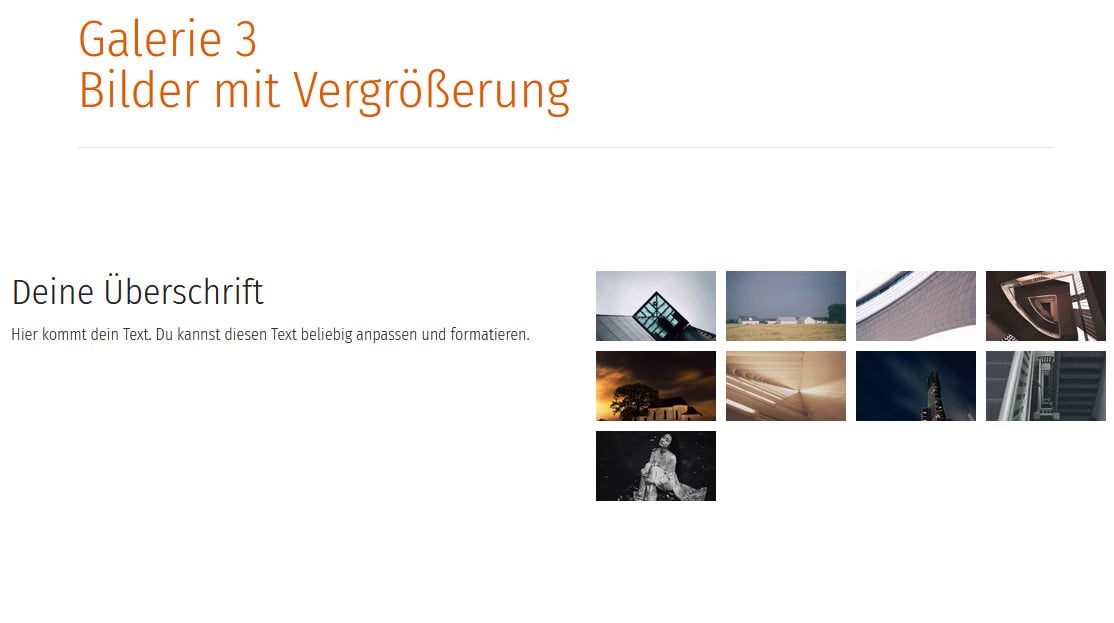
Fotogalerie 3
Kleine Bilder rechts

Erstellt mit Unterstützung von Claude.ai

  • — Drop1 = Block von Mobirise: supportM5, mit KI verändert
  • Darstellung: Desktop, Tablet, Smartphone
  • — Drop2 = Block von Mobirise: smartM5, mit KI verändert
  • — Drop3= Block von Mobirise: supportM5, mit KI verändert
  • — Drop 1 = 25 Items, Drop 2+3 = 50 Items
  • — Erstellt mit der Version 6.1.4

Fotogalerie nach unten
einblenden, ausblenden

Erstellt mit Unterstützung von Claude.ai

  • — Drop1 = Block von Mobirise: supportM5, mit KI verändert
  • Darstellung: Desktop, Tablet, Smartphone
  • — Drop2 = Block von Mobirise: smartM5, mit KI verändert
  • — Drop3= Block von Mobirise: supportM5, mit KI verändert
  • — Drop 1 = 25 Items, Drop 2+3 = 50 Items
  • — Erstellt mit der Version 6.1.4

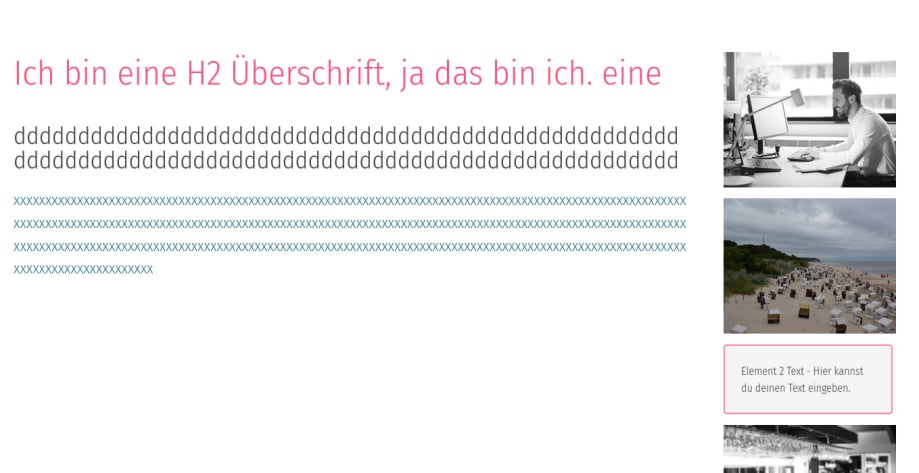
Text links, Elemente rechts
Scrollbar

Erstellt mit Unterstützung von Claude.ai

  • — Drop1 = Block von Mobirise: supportM5, mit KI verändert
  • Darstellung: Desktop, Tablet, Smartphone
  • — Drop2 = Block von Mobirise: smartM5, mit KI verändert
  • — Drop3= Block von Mobirise: supportM5, mit KI verändert
  • — Drop 1 = 25 Items, Drop 2+3 = 50 Items
  • — Erstellt mit der Version 6.1.4

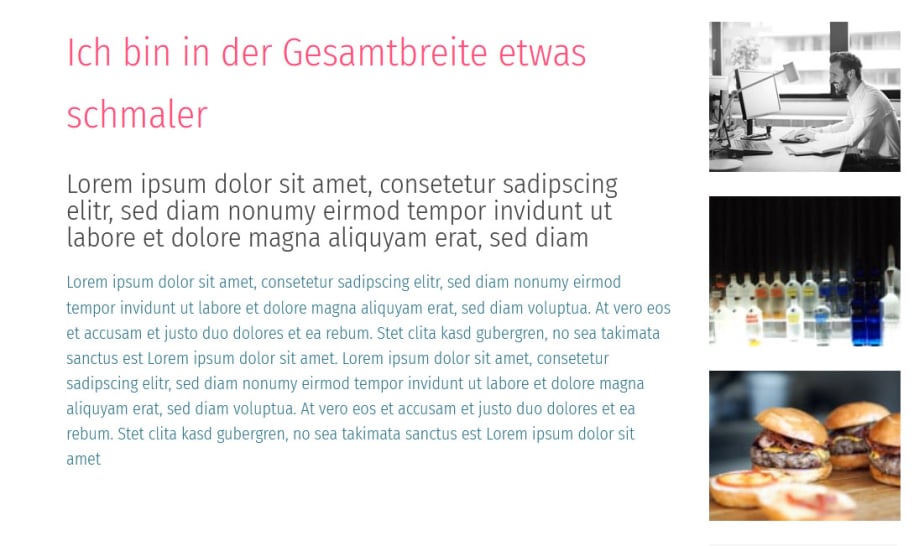
Textblock etwas schmaler
Rechte Elemente nicht scrollbar

Erstellt mit Unterstützung von Claude.ai

  • — Drop1 = Block von Mobirise: supportM5, mit KI verändert
  • Darstellung: Desktop, Tablet, Smartphone
  • — Drop2 = Block von Mobirise: smartM5, mit KI verändert
  • — Drop3= Block von Mobirise: supportM5, mit KI verändert
  • — Drop 1 = 25 Items, Drop 2+3 = 50 Items
  • — Erstellt mit der Version 6.1.4

KONTAKT

agentur28

Inhaber: Claus Juntke
Birkenweg 25
28865 Lilienthal
© 2003 -2025 Claus Juntke 

Die agentur28 erstellt Webseiten/Homepages auch in Bremen, Bremerhaven, Lilienthal, Grasberg, Ritterhude, Fischerhude, Worpswede, Ottersberg, Sottrum, Horstedt, Verden, Hoya, Osterholz-Scharmbeck, Wilstedt, in ganz Niedersachsen. Natürlich national und international. Für alle Bildschirme, vom kleinsten Smartphone bis zum größten Desktop.

Cache wird gelöscht und Seite neu geladen...